How I made my Second Brain useful with qmd
Local search for my Obsidian notes, the stale instructions it uncovered, and the work that made previous decisions useful to me and my coding agents.

Project work March to September 2026
I keep notes because I forget things. More specifically, I forget why I changed something, which version finally worked and what I promised myself I would never spend another afternoon debugging. Across several projects, that becomes a fairly expensive kind of forgetfulness.
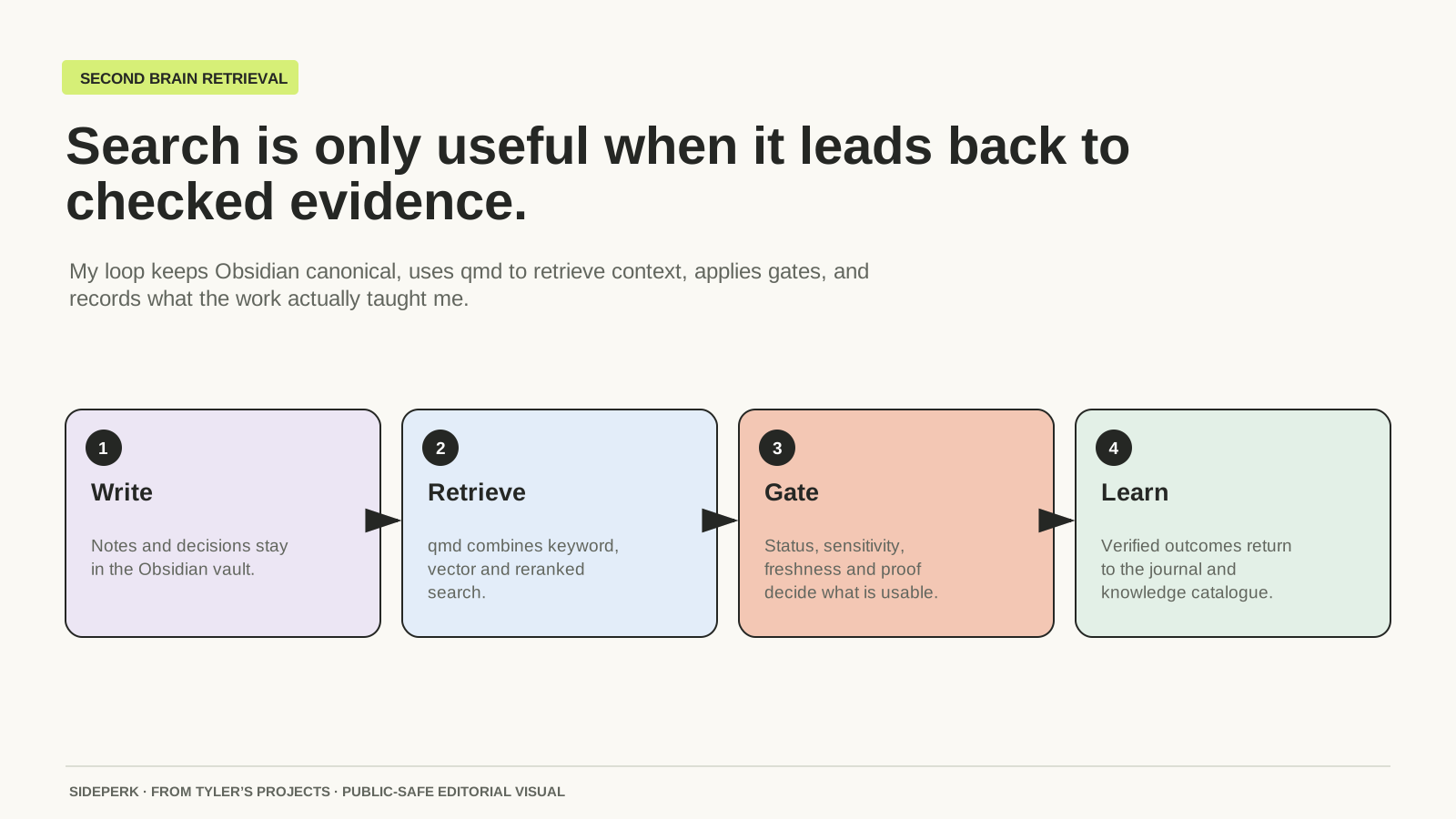
My Second Brain is an Obsidian vault: ordinary Markdown files containing project notes, decisions, runbooks and a daily development journal. qmd is the local search tool I put on top. It helps me and my Codex sessions find those records by exact words or by meaning, without moving the notes into another application.
That has been useful. But the part that took work was deciding what a search result was allowed to tell me. A note can be easy to find and still be out of date. I discovered I needed to maintain the memory around the search engine as carefully as the search engine itself.
What qmd adds to Obsidian
Obsidian gives me the place to read and write. Its notes are plain text files in a folder, so I can open them in another editor. qmd builds a separate index that points me back to them. If that index needs rebuilding, the source notes are still there.
I have kept that separation deliberately. A generated summary can help me navigate, but it does not replace the full note. My project runbook is the current account of how something works; the journal explains how it got there. Old failures stay in the history even after the fix has made them irrelevant to the current setup.
For an agent, this means there is somewhere to look before it starts reconstructing my projects from a short conversation. For me, it means a new session does not have to begin with explaining the whole thing again. It still needs the right document, though. Sending it more text is not the same as giving it better context.
Exact words, similar meaning, or both
qmd has three search commands. search uses keyword matching, vsearch looks for similar meaning, and query combines retrieval methods with model-assisted query expansion and reranking. Reranking means sorting the candidate passages again for relevance to the question.
| What I remember | Example command | Why this route |
|---|---|---|
| A service or error name | qmd search "Colima" -c obsidian -n 5 | Exact words are a useful first pass. |
| The problem, but not its wording | qmd vsearch "laptop running out of space" -c obsidian -n 5 | The note may talk about swap or a growing database. |
| A question spanning decisions | qmd query "why did container workloads move off the Mac" -c obsidian -n 5 | Several notes may explain the change. |
The collection name obsidian is specific to my configuration. On my Mac those calls go through a small lock-aware wrapper, so an agent cannot accidentally collide with index maintenance. The examples above show the underlying qmd commands, without my paths or private material.
I usually know something concrete: a product, a project name, part of an error. That is enough to begin with keyword search. I use the broader routes when I remember the problem but cannot remember the language I used to describe it. There is no reward for making a simple lookup do more work.
The old instruction was still there
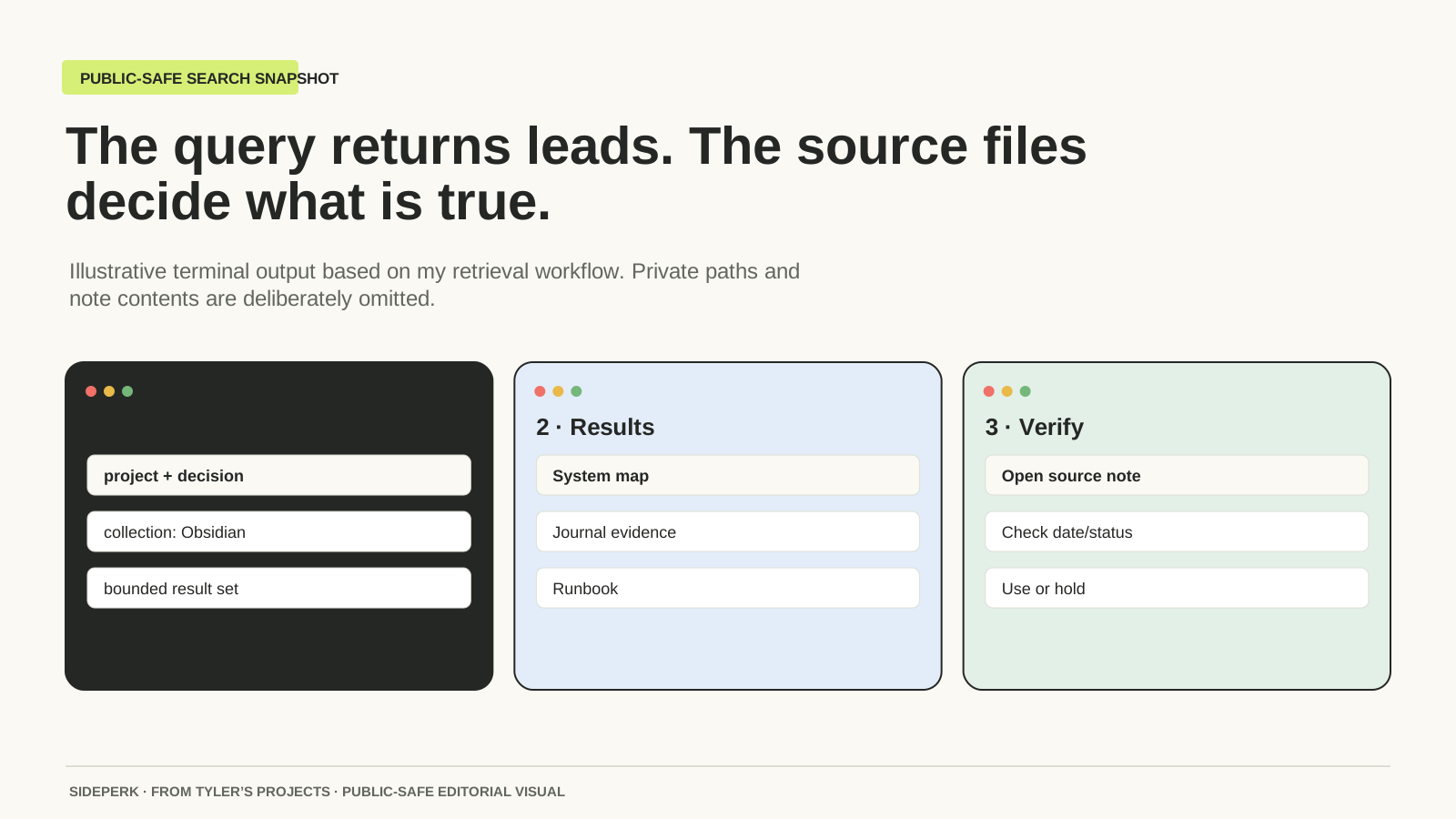
A small example from my own records explains the problem better than an abstract warning. My June runbook included an instruction to update qmd after editing a note. The later refresh design changed that: mark the index as needing an update, then let a scheduled process batch the work. Both documents remained searchable.
An agent finding the older page had found a real instruction I had used. It just was not the instruction that should govern the work now. Better semantic matching would not fix that. The date, the status and the newer operating note mattered more than how confidently the search result matched.
In September I also changed the surrounding retrieval workflow so a current Knowledge Catalog entry takes priority over a captured note when their search scores tie. A capture is useful history. The maintained system map is where the current decision belongs. This is part of my setup around qmd, not a promise that qmd knows which of my notes is authoritative.
What I read before trusting a result
I follow a useful result back to the full note. Then I look at what kind of record it is. A draft tells me what I was considering. A journal entry tells me what happened on a date. A runbook tells me how the system is intended to work. A live service or public page tells me whether that is still what happens now.
| Question | Why it changes the answer |
|---|---|
| Is this still the current instruction? | An old note can describe a real setup that has since changed. |
| Does it belong to this project? | Two sites can share tools without sharing deployment details. |
| Can this information appear here? | Private notes do not become public material because search found them. |
| What does the evidence actually show? | A build result, a deployed page and a working customer flow prove different things. |
| Does this need a fresh look? | A historical decision can stay useful while service health changes. |
That last question is important across my network. I search mirrors of notes from other machines as well as the main vault. A mirror helps me find the service and understand its history. It cannot tell me that the machine is online this afternoon. I still have to look at the current service when the answer depends on it.
Keeping the index current without rebuilding it all day
The maintenance job has two different kinds of work. Changed files need to be indexed; passages also need embeddings, the numerical representations used for semantic matching. Those jobs do not need to run after every small edit to the same article or runbook.
My workflow records that documents changed, then lets the existing scheduler update the index in a batch. A manual refresh is available when the new note matters immediately. It uses the same lock as scheduled work, so an already-running refresh remains in charge.
One detail I had to disentangle was what the timer actually meant. The Mac's maintenance task wakes every five minutes. The coordinator's clean full-refresh interval is fifteen minutes. Those are different clocks, and reporting one as the other made the setup sound simpler than it was.
For health, I care whether a known query can still find the expected note. A document count is useful for spotting a sudden change, but it cannot prove that the decision I need is retrievable. I also leave an active update lock alone. Waiting for the current job is less exciting than repairing a broken index, which is rather the attraction.
The part I want the system to remember
The notes that earn their keep are usually quite small: what failed, why it failed, what changed and how I knew the change worked. A wall of chat history contains all sorts of useful detail, but I still need a maintained place for the decision I will want next time.
This matters when a project comes back after a gap. The next session can find the current arrangement, then follow the journal if it needs the history. I get to keep the failed attempts without making every future task relive them.
qmd has earned its place in my stack because it works with the notes I already have. I have also put work into the records around it: which page is current, which material is private and which claims need fresh evidence. That is what makes the Second Brain useful to me. I want to pick a project back up and understand where I left it.
qmd: product notes and official project links
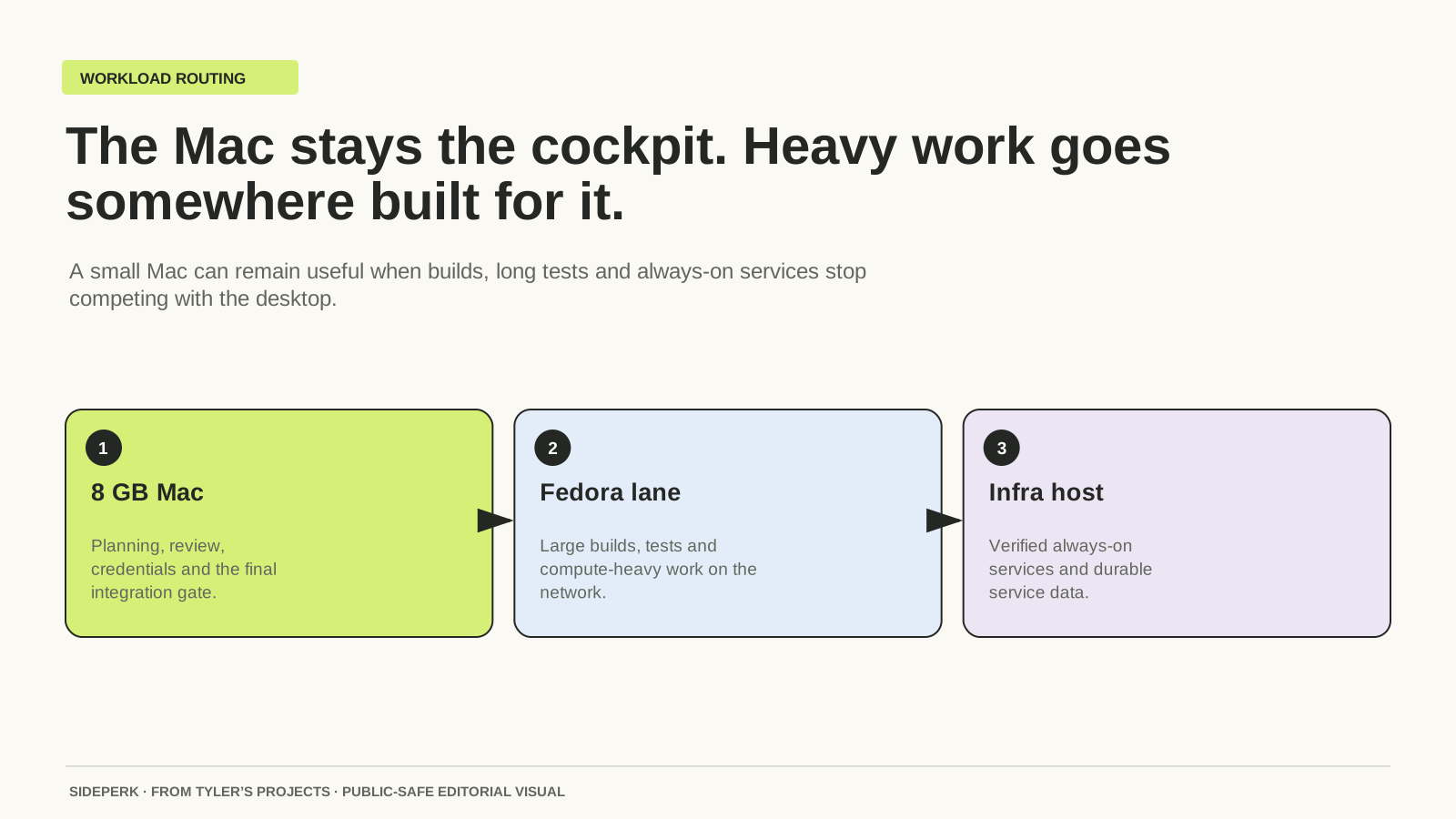
The 8 GB Mac and network setup behind my projects
Sources and further reading
Sources checked