ZCode, OpenCode and Codex: the app, the model and the bill
The coding tools around the models, how access is paid for, and what a stuck ZCode task taught me about where an AI workflow can fail.

ZCode, OpenCode and Codex are the tools around the model: the workspace, project files, editing tools and command execution. The model is the service doing the language and reasoning work. The account pays for access to it. Keeping those three parts separate makes these products much easier to understand.
I use ZCode with DeepSeek Pro, GLM and OpenAI, and I use Codex to build and update websites, including Sideperk. OpenCode is the open-source alternative in this comparison.
What each coding tool brings together
| Tool | Working environment | Model access |
|---|---|---|
| ZCode | Desktop tasks with files, terminal results, browser context and Git state | GLM Coding Plan or compatible provider connections |
| OpenCode | Open-source agent for terminal, desktop and IDE use | Hosted providers, local models and supported account connections |
| Codex | OpenAI’s coding tools across desktop, CLI and editor routes | ChatGPT plan allowances or separately billed API access |
The word harness sometimes appears in discussions of these tools. It means the software that gives a model a way to work: reading the right files, applying changes, running tools and returning the result. Two tools connected to the same model can still have different behaviour because that surrounding software is different.
ZCode and the model connection
ZCode’s current documentation centres on its GLM-based agent and keeping the task’s context together. Its settings also support compatible third-party providers, including documented OpenAI and DeepSeek connections. That is where the mix I use fits.
The GLM Coding Plan and general API access are separate routes. ZCode documents different endpoints for them. A connection to another provider uses that provider’s account; it doesn’t add DeepSeek or OpenAI usage to the GLM subscription.
OpenCode and provider choice
OpenCode is open-source software with terminal, desktop and IDE interfaces. It supports local models and multiple hosted providers, and advertises connections to GitHub Copilot and ChatGPT Plus or Pro accounts. The software being free does not make every connected model free.
That makes it a relevant alternative when the choice of model service matters as much as the interface.
Codex and account-based access
Codex is where I do a lot of the practical website work: turning a brief into changes, investigating a problem and inspecting the result. OpenAI provides desktop, command-line and editor routes. Its pricing documentation includes Codex access with ChatGPT Free and paid plans, with allowances that depend on the plan.
API-key usage is billed at API rates and follows the models available to that key. It is a separate billing route from the included ChatGPT allowance. The shared OpenAI name doesn’t make those balances interchangeable.
The task that got stuck before the agent even started
On 14 September, I had a ZCode task hang in a DeepSeek conversation. The logs showed that the request getting stuck was the small call used to generate the session title. It timed out, its scheduled retry didn’t run, and the main coding request never started.
A direct provider check showed the Flash model was slow in that incident while the Pro model responded. That was a result from that evening, not a permanent ranking of the models. It explained why waiting in the same stuck task was getting nowhere.
The useful lesson was where to look. A task can fail before it reaches the part that writes code. The app’s side calls, the provider response and the main agent turn were separate things, even though the screen made them look like one conversation.
How I think about the choice now
I care about whether the tool can keep the project understandable, make changes I can inspect and show what actually ran. Model choice matters, but so does being able to work out what happened when nothing comes back. That is the less glamorous side of AI-assisted building, and it is often the part that gets a project moving again.
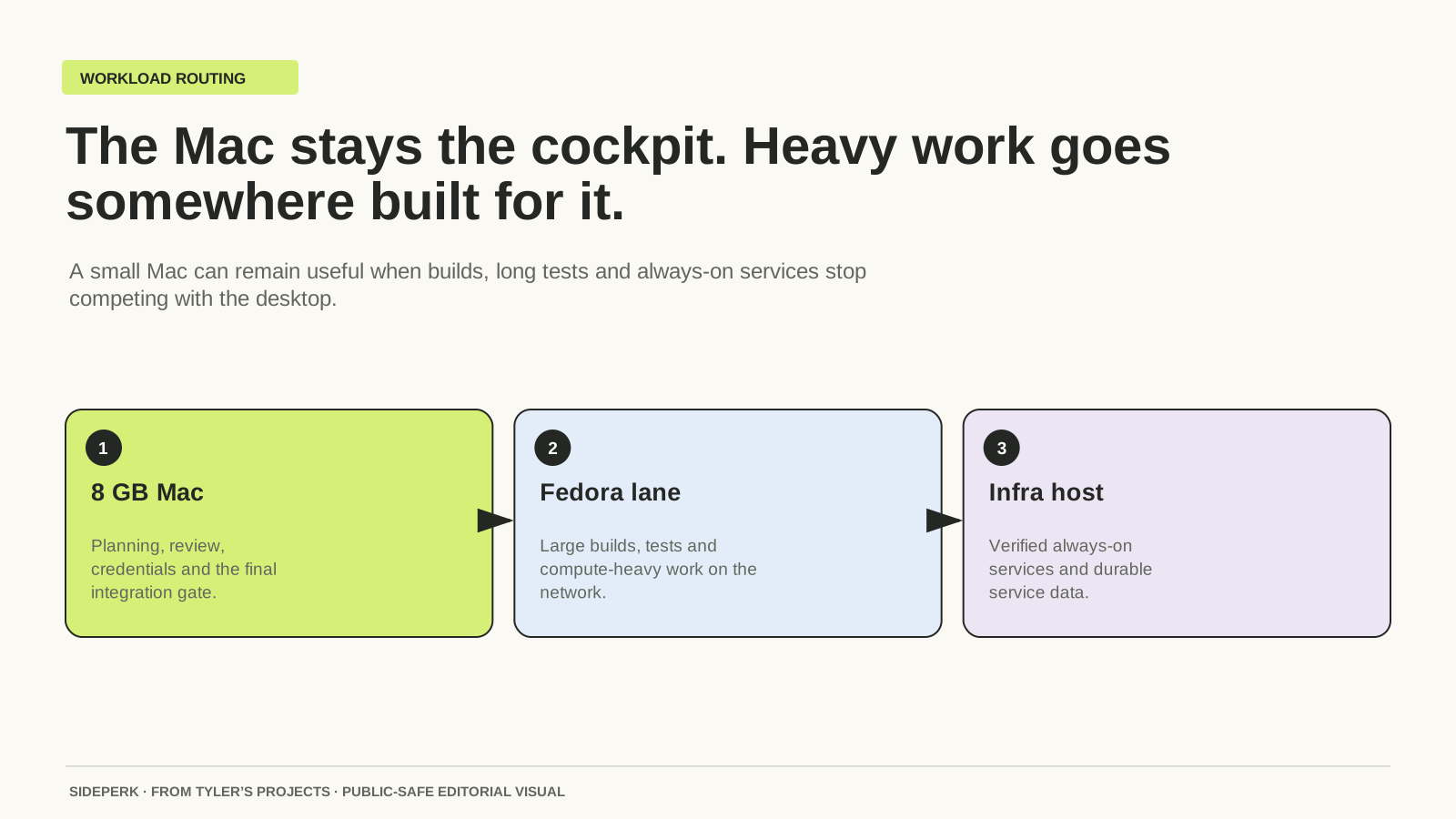
How I keep an 8 GB Mac useful for building
Sources and further reading
Sources checked