My AI coding setup: the recipe behind BuilderOS
What I put around an AI coding agent, from a fresh Mac or Linux machine to a project with a clear brief, useful checks and a handover.

My AI coding setup has three parts: the tools on the machine, a clear account of the project, and a repeatable way to plan, change and check the work. The coding agent sits inside that setup. BuilderOS is the pack I’ve made from those working habits, so a fresh machine or project doesn’t mean piecing the whole routine together again.
A disclosure before the product details: I make BuilderOS and IntelligenceOS. Both belong to MorpheOS, which also runs Sideperk. This is an explanation of my own product and the thinking behind it, with a commercial interest in sales.
What I learned from building on Mac and Linux
I’ve done extensive development on Mac, Fedora and other Linux distributions. That matters here because my useful setup isn’t one frozen list of applications. The machine, available resources and project can change. The habits that travel are a readable brief, explicit choices, small pieces of work and evidence of what actually happened.
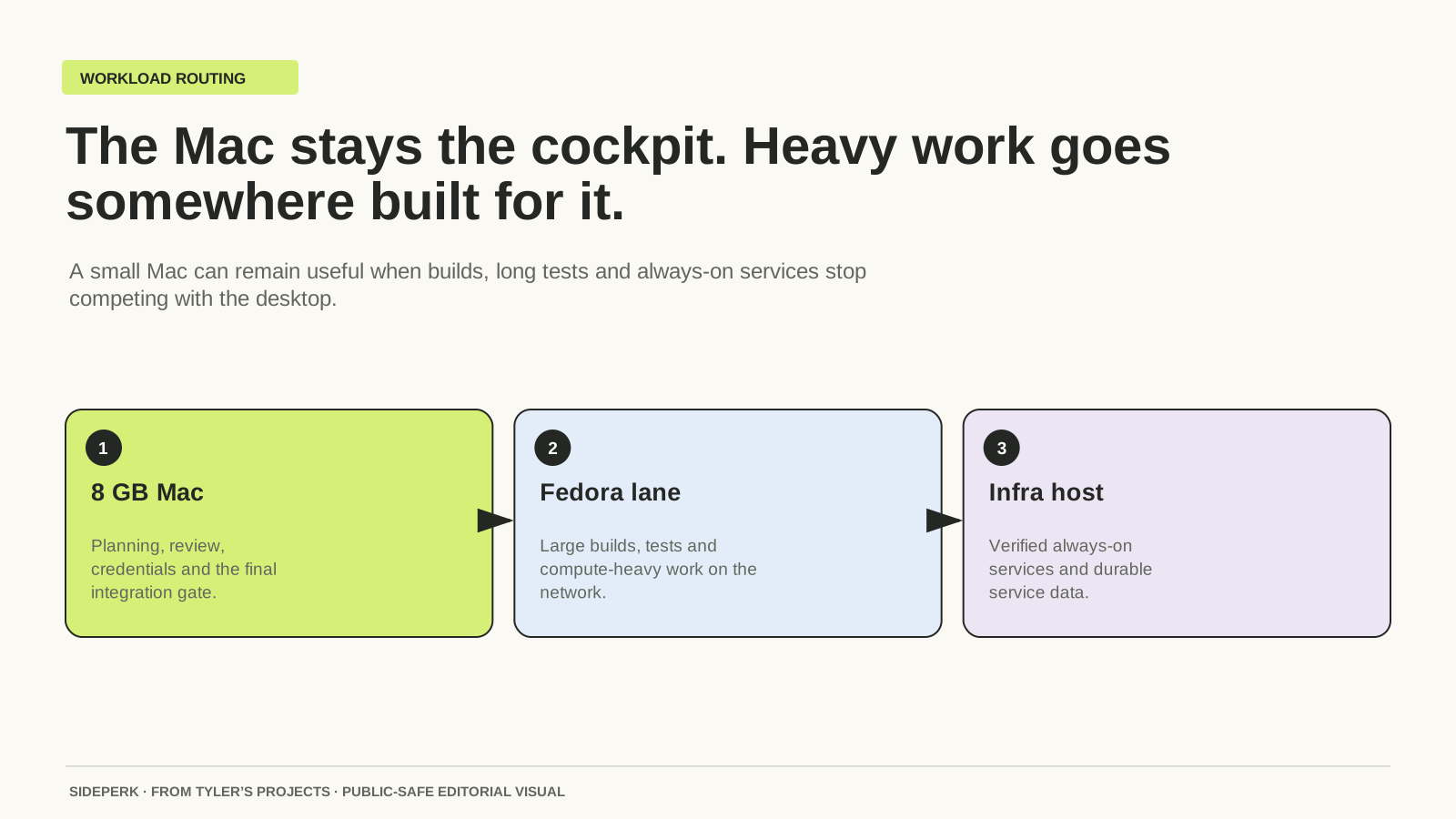
On my 8 GB Mac, being able to move heavier work elsewhere has been part of keeping the machine useful. That experience sits behind my preference for a setup that records its constraints. A workflow that assumes unlimited memory, an always-available second computer or a particular paid account is a poor starting point for someone with a different machine.
How I keep an 8 GB Mac useful for building
What goes into an AI coding setup?
| Part | What it contributes |
|---|---|
| Coding tool | An interface for the agent to work with files and commands, such as Codex, Claude Code or OpenCode. |
| Model and account | The service doing the reasoning, with its own access and usage costs. |
| Project stack | The language, framework and dependencies the actual project uses. |
| Working instructions | The brief, boundaries, checks and handover that explain how work is done. |
Changing a model doesn’t automatically explain a project’s rules. Installing a coding app doesn’t decide what finished means. My recipe puts those missing details into files the agent can work from, so less of the job depends on remembering to explain everything again in the next conversation.
ZCode, OpenCode and Codex: the app, the model and the bill
From a fresh machine to the first small change
The starting point in BuilderOS is a setup conversation. It covers the operating system, coding tool, preferred stack and what is already installed. The pack includes a setup prompt and a preferences file, so those choices can be recorded rather than silently replaced with my own favourites. It is guided setup material, not an unattended installer for every dependency.
The next useful unit is one small project change. For example, a new personal website might begin with a single page and a working preview. The brief could name its audience, existing framework, files in scope and the visible result that would count as finished. That is an example of the workflow, not a reported customer result.
The work then has a plan, a bounded change, relevant checks and a handover explaining what changed and what remains uncertain. A passing build answers one question. Opening the page and following its links answers another. I want those results recorded separately, so “it passed” doesn’t have to carry more meaning than the evidence supports.
Can the recipe adapt to a different tech stack?
Yes, through the supplied setup prompts, preferences and project instructions. A JavaScript website doesn’t have to become a Python application because BuilderOS uses Python for its own local toolkit. The project’s language and dependencies are separate from the small set needed to run that toolkit.
The core toolkit requires macOS or Linux, Python 3.11 or newer, Git and its Python dependency, PyYAML. Fedora is the qualified Linux route in this release. Other distributions have an included first-project workflow for checking the setup; my broader Linux experience isn’t a claim that every distribution has passed the same release checks. Windows isn’t a qualified route for this release.
Does BuilderOS work with Codex, Claude Code and OpenCode?
The setup and project instructions can be supplied as context to a coding agent. The native adapter in this release is narrower: Codex CLI 0.153.x on macOS. Other Codex versions, Claude Code and OpenCode use the documented manual-context route. That means providing the relevant instructions to the tool, rather than expecting a native integration to install itself.
Codex, Claude Code and OpenCode each provide tools for working on local projects. Their own accounts, models and permissions still apply. BuilderOS doesn’t include a model subscription, change a provider’s usage limits or make commands safe merely by documenting them. Commands still require appropriate permissions and review.
What is included in BuilderOS?
The current pack contains the guided setup material, a local toolkit, nine reusable skills and ten practice labs. It covers planning, separating pieces of work, checking results and leaving a useful handover. The purchase includes lifetime BuilderOS product updates and one first-run troubleshooting review. “Lifetime” means the commercial lifetime of the product; it doesn’t mean unlimited support or third-party services.
The method can also be assembled independently with a project brief, instructions and a sensible checking routine. The paid value is the prepared pack and its connected workflow. It is not a secret prompt or a promise that every model response becomes better. Clearer context gives the agent more relevant information to work with; the result still needs checking.
Where IntelligenceOS fits
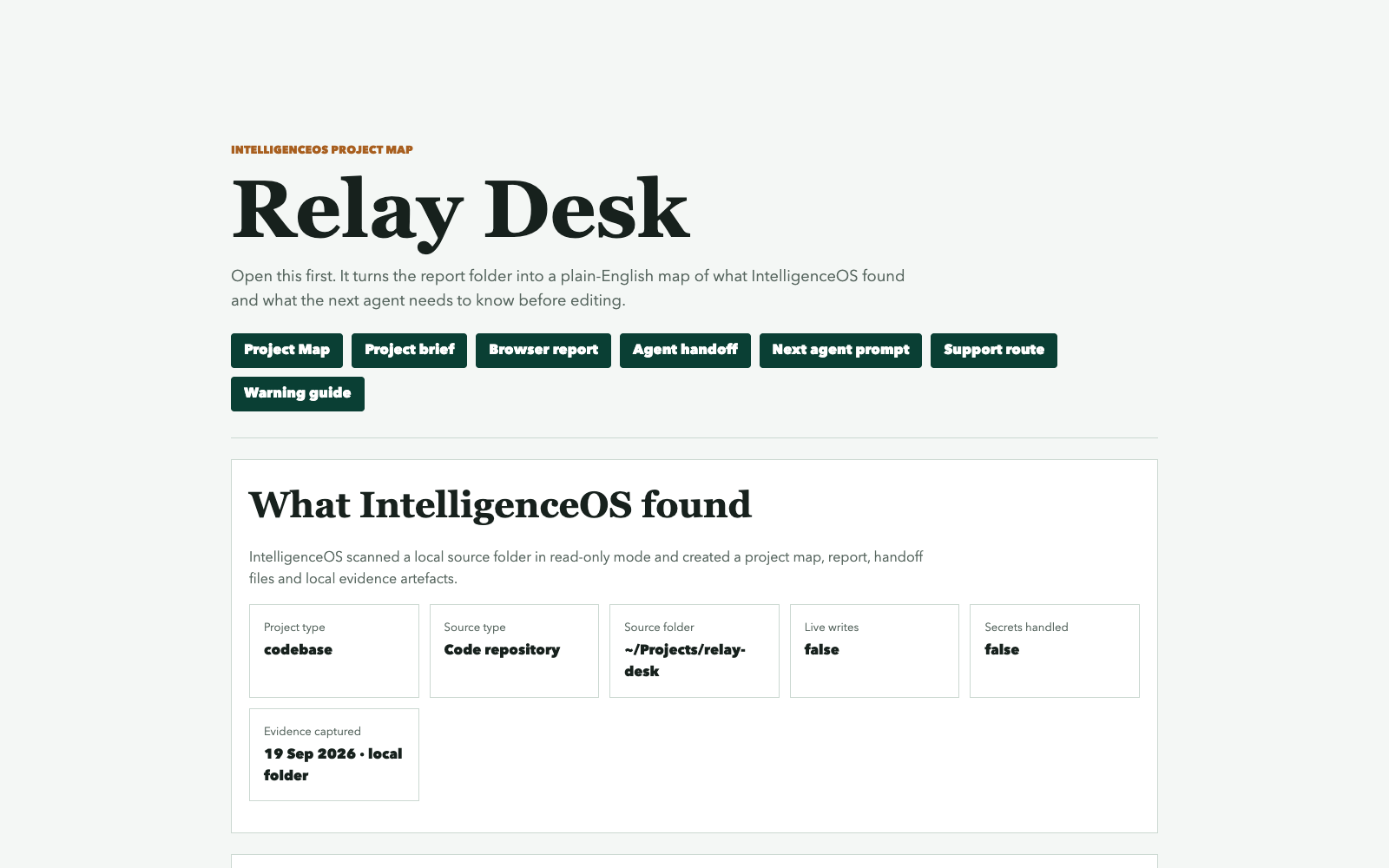
BuilderOS focuses on how a piece of development work moves forward. IntelligenceOS focuses on the project knowledge behind it: the map, decisions, evidence and continuity that help the next session understand the project. They work independently. Together, they connect the working routine with a maintained account of the project.
That is why I’m offering them separately as well as together. Someone with a useful project knowledge system may only want the working routine. Someone with an established development workflow may care more about preserving context between sessions.
What does BuilderOS cost?
| Purchase | One-off price and conditions |
|---|---|
| BuilderOS | £79. Coding-agent accounts and usage charges are separate. |
| BuilderOS + IntelligenceOS | £119 with BUNDLE30 until 31 December 2026 at 23:59 UTC; £149 afterwards. Each product keeps its own lifetime updates. |
| Existing IntelligenceOS owner | £59 to add BuilderOS through a purchase-verified owner checkout. |
| IntelligenceOS separately | £99 standard price; £49.50 with the current LAUNCH50 offer for eligible purchases. |
With the current IntelligenceOS offer, the separate total is £128.50: £79 plus £49.50. The £119 bundle therefore saves £9.50 against that eligible purchase, rather than a larger headline saving based on ignoring the available discount. Discounts cannot be combined. The product pages carry the current terms and checkout links.
BuilderOS: the pack, compatibility and purchase options
IntelligenceOS: project knowledge and continuity
Is this a one-click development environment?
No. It is a drop-in starting pack with a guided setup and local tools. The machine’s dependencies, provider accounts and project choices remain real parts of the process. Its purpose is to make that process easier to repeat and understand, without pretending every machine is identical.
Does a green build mean the project is finished?
A green build is evidence that one check passed. It doesn’t establish that a visitor can complete the intended task, that a checkout delivers the right download or that a fresh installation works for another person. That distinction is part of the recipe: the evidence should match the claim being made.
Green build is not a finished product
Sources and further reading
Sources checked