Why I built a separate project library with Immich
A separate home for my work photos and videos, and the awkward bits of building it: empty imports, missing albums, broken source files and a database recovery.

Project work June to September 2026
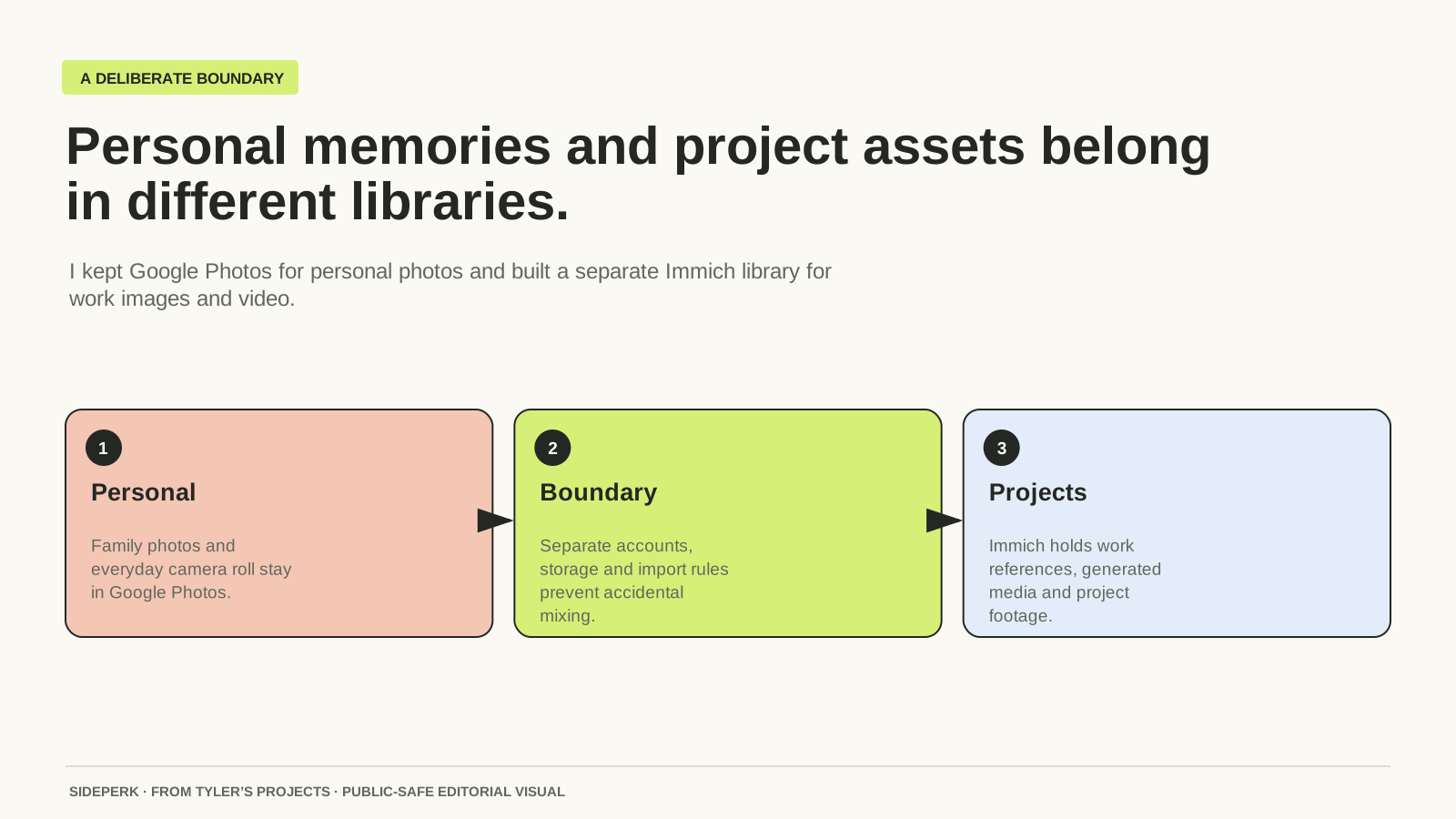
Google Photos already has a job in my life: my personal photo library. I didn't want my work images, event footage, website assets and project screenshots mixed into it. I wanted another library with the bits I find useful in a photo app, built around a different collection.
That is what I built with Immich. It gives me a visual timeline, albums and search over media on my own server. The software is free and open source. The server, storage and the time I spend looking after it are very much mine to pay for.
Why folders stopped being enough
The archive already existed in working folders, old exports and Google Drive. Some of the material came from my music projects, including Boski and Fracture Recordings. Keeping the files was one thing. Finding an image again when I remembered the event rather than its filename was another.
Immich's search can use filenames, folders, people, locations and the contents of images and videos. Its contextual search uses CLIP models, so a search does not depend entirely on words someone put in a filename. That is useful for the sort of archive I have, where the naming is less consistent than the subject matter.
I still have Google Photos. This was about giving the project archive the same sort of attention as the personal one, not moving everything I own into a new app. Keeping those jobs separate was the whole point.
The application moved off my Mac
The first version ran on my Mac through Colima, with the media on network storage. That added a weak link: a folder at the expected path did not necessarily mean the network share was mounted. During one import I ended up with files in the local placeholder folder instead of the intended storage. We recovered those files, restored the mount and merged them into the right place.
I moved Immich onto the always-on server in June. We backed up the database, copied the application data, restored Postgres and confirmed that the external files were visible from inside the container. Only then did we stop the old Mac stack. The library no longer depended on my laptop keeping that arrangement alive.
An external library is not an album import
Immich can index an existing folder as an external library, which suited my organised source folders. I mounted those files read-only. That lets the app browse them without giving it permission to delete the originals through its interface.
There was a point where the files had reached the server and the containers were healthy, but Immich still had no library, no assets and no albums. We had finished the copy, not the import. The next jobs were creating the external library, scanning it and building albums from the top-level source folders.
That last step matters: copying a folder called an album does not automatically create an Immich album. I used an import script to map the source folders into real albums after the scan. A temporary API key was created for that work and removed afterwards.
A successful copy can still contain a broken video
Some of the original image exports had zero-byte versions alongside usable files. We found the non-empty source copies, replaced the empty destination files and rescanned. A green transfer result was not enough on its own; the files also had to contain something.
The video import gave me a different problem. A few MP4s matched their Google Drive sources byte for byte but still failed metadata extraction with “moov atom not found”. Copying them again would have reproduced the same fault. The damaged source needed attention, rather than another round of blaming Immich or the connection.
Thumbnails were another separate job. The files could be present and indexed while the gallery was still missing useful previews. We ran the missing-thumbnail job and then loaded the previews to warm the cache. Copying, indexing, album creation and preview generation were four different pieces of work.
The day a healthy-looking container wasn't enough
In September the library became unavailable. The database and application had lost their working connections to the container network. Postgres had also stopped after an earlier disk-space failure. Some surrounding services were still running, which made the first status check look better than the application actually was.
We checked the network and storage, restored the missing connections and brought the database back. That experience made the dependency much clearer to me: my photographs can be safely on disk while the photo library is unusable. The app needs its database and a working route to it.
Immich's backup guidance treats the media and database as a pair. Its database backups do not contain the photographs or videos. With an external library, the original folders are part of that recovery plan too. Albums and edits inside the app are not a substitute for keeping the files.
What I would keep from this build
| What went wrong | What I changed |
|---|---|
| The expected folder existed, but the network share was not mounted | I proved the files were visible inside the container and moved the app off the Mac. |
| Copied folders did not become albums | I made scanning and album creation separate import steps. |
| A correctly copied video still failed | I compared source and destination and kept damaged-source cases separate. |
| Some containers looked healthy while the library was unavailable | I checked the database and network dependencies, not just the container list. |
I like being able to browse old work instead of only knowing I have kept it somewhere. There is also something rather useful about finding the photographs from a music project while rebuilding its website years later. That is what this library is for: making the work available to me again.
The arrangement suits me because I already run a server and enjoy building this sort of thing. It comes with updates, backups and occasional repairs. Immich gives my project media its own home; Google Photos can carry on looking after the personal side.
Sources and further reading
Sources checked