Why I built three self-hosted libraries instead of one
Navidrome for my music, Audiobookshelf for listening and Calibre-Web Automated for ebooks. The setup, the messy metadata and the mistakes that shaped it.
Project work June 2026
I have my own collection of music, audiobooks and ebooks. Keeping the files was fairly straightforward. Making them pleasant to use was the part I wanted to improve. I wanted albums and playlists for music, a player that remembered my place in a book, and an ebook library I could open without hunting through folders.
I ended up with three applications: Navidrome for music, Audiobookshelf for audiobooks and Calibre-Web Automated for ebooks. They run on the same always-on server, but each has its own source folders and application data. Once I stopped asking one player to do all three jobs, the setup made much more sense.
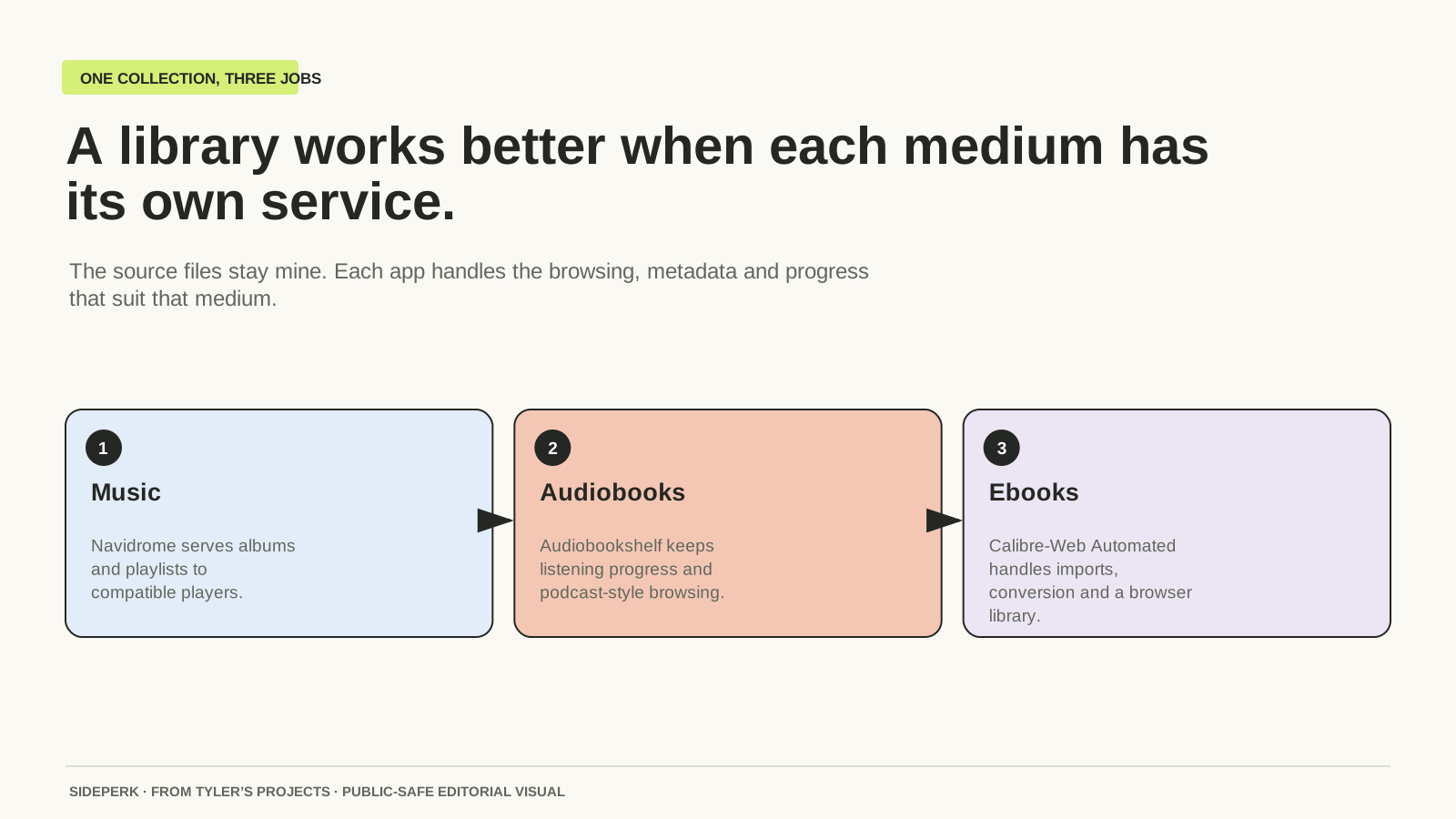
| Service | My use | What matters |
|---|---|---|
| Navidrome | Music | Album, artist and playlist browsing |
| Audiobookshelf | Audiobooks | Chapters and listening progress |
| Calibre-Web Automated | Ebooks | Import, conversion and a browser-based bookshelf |
Navidrome was the easy part. The tags weren't
Navidrome adds a web player to an existing music folder and works with Subsonic and OpenSubsonic clients. It can import playlists and transcode audio for a particular player. That gave me the familiar music-library experience while keeping the source collection on my server.
The first scan also made the state of the metadata rather obvious. Missing album names and inconsistent artist tags do not become correct because there is now a nice interface around them. Some Fracture releases needed their album and artist information matched against the release folders, and other entries had titles that needed cleaning up.
We backed up the database and the exact files involved before applying reviewed tag changes. The normal media mount stayed read-only for the player; the cleanup itself was a separate, deliberate write. That distinction is important. A read-only music server does not mean I never edit a tag. It means the player is not casually changing the originals while I listen.
There were still awkward cases afterwards. Two WAV files from a Fracture release kept showing an unexpected album artist because of the way Navidrome's parser read their tags. They stopped appearing as unknown, but the attribution was not fully resolved. I kept that as a known issue rather than guessing until the screen looked tidy.
A book split into disc folders still feels split
Audiobookshelf keeps listening progress per user and syncs it across devices. It also supports chapters, cover art and metadata lookups. There is some overlap with a music player, but remembering exactly where I stopped in a long recording is the main job here.
Some of my audiobook folders were arranged as separate discs or parts. The application saw separate things where I expected one book. We first improved the descriptive metadata, then dealt with the folder structure separately. Renaming the title in the app would not have solved the underlying split.
The fix involved a backup of the database, metadata and affected audio, a brief stop so the file watcher could not race the moves, and then a rescan. After the folders were combined, the old missing records still needed clearing. The final player pass also brought the chapter labels into line with the cleaned file order.
The companion apps are another detail a feature list can hide. Audiobookshelf's own repository currently labels its Android and iOS apps as beta, and says the iOS TestFlight is full. The web player is part of the attraction for me; free server software does not guarantee that every preferred phone app is immediately available.
The ebook queue is a workshop, not a cupboard
Calibre-Web Automated combines a browser library with import and conversion tools. I wanted a repeatable path into that library, so I gave the process three places: staging for the source files, an ingest queue for the app to process, and the finished Calibre library.
Before the import, we compared file hashes and skipped exact byte-for-byte duplicates. That is a narrower claim than finding every duplicate book. Different editions or formats can contain different bytes even when the title is the same. I kept the source staging area and a manifest of what was handed to the queue.
CWA's ingest folder is an active processing area. Its documentation warns that downloading directly into it can cause duplicate imports and potentially damage the database. My workflow copies completed files into staging first, then passes the reviewed set to ingest. The source copy remains available while the application converts and organises its working copy.
What stays separate from the media
The music and audiobook folders are read-only to their normal players. The applications have writable space for databases, listening progress, covers and caches. CWA has a different job because it creates and manages an organised ebook library, which is why its staging and ingest boundaries matter so much.
I also kept access private rather than turning the collection into a public website. The services are reachable through my private network connection. They do not need to depend on my everyday Mac being awake, and I have not published their addresses or the contents of the collection here.
The trade I made
The software has no subscription fee, but running it still means paying for hardware, storage, electricity and backups, as well as dealing with updates. I already wanted an always-on server. That makes this a different proposition from buying a machine solely to avoid the price of a hosted service.
What I would keep is the separation: a music player that behaves like a music player, an audiobook app that knows where I stopped, and an ebook import I can trace back to the source. What I would budget more time for is the metadata. Installing the applications was the satisfying, visible bit. Making old files behave sensibly inside them took more care.
Sources and further reading
Sources checked